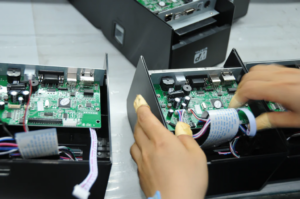
In today’s fast-paced retail and hospitality industries, thermal receipt printers have become a vital tool. These printers help businesses like ours run smoothly, providing quick and efficient printing for receipts, orders, and invoices. However, like any other device, proper care and maintenance are essential to ensure that your portable thermal printer stays in top condition for as long as possible. At Winpal, we understand how crucial it is to extend the life of your thermal receipt printer, and we have some valuable tips to help you do just that.
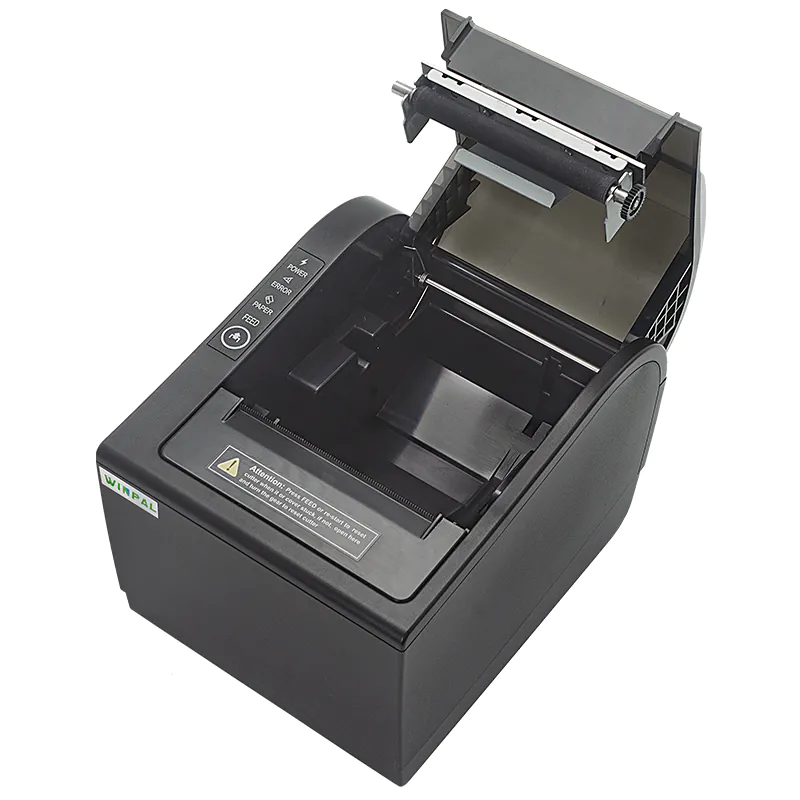
Regular Cleaning Keeps It Running Smoothly
Keeping your thermal receipt printer clean is one of the easiest and most effective ways to extend its life. Over time, dust, paper residue, and other debris can accumulate inside the printer, potentially affecting print quality and printer functionality. A quick clean every week can prevent these issues. At Winpal, we recommend using a soft, lint-free cloth to wipe down the printer’s exterior and a cleaning pen to gently clean the thermal print head. Regular cleaning will not only ensure smooth operation but will also maintain the thermal receipt printer’s efficiency.
Proper Paper Handling for Optimal Performance
The quality of the paper you use in your portable thermal printer can significantly impact its performance and longevity. Inferior paper can cause jams, print quality degradation, and even damage the print head. Always use high-quality, thermal paper specifically designed for your thermal receipt printer. Additionally, make sure the paper is properly stored—keep it away from moisture, extreme temperatures, or direct sunlight to prevent premature deterioration. At Winpal, we emphasize using only premium paper rolls to ensure smooth and durable printing.
Using the Right Power Source and Connection
For any thermal receipt printer, using the correct power source and connection is essential for both performance and longevity. For the Winpal WP-A1 Thermal 80mm Receipt Printer, ensure that you’re using the provided adapter or a compatible one. Avoid using low-quality cables or adapters, as these could damage the printer’s internal components. Moreover, since the Winpal thermal printer supports Bluetooth connectivity, using it wirelessly can help reduce wear and tear on physical ports, extending the life of the printer’s hardware.
Conclusion
Maintaining a thermal receipt printer might seem like a simple task, but these small efforts will pay off in the long run. At Winpal, we believe that taking care of your portable thermal printer through regular cleaning, proper paper handling, and using the right connections can significantly increase its lifespan. By implementing these practices, you’ll be able to enjoy the high-speed, high-quality performance of your Winpal printer for years to come.