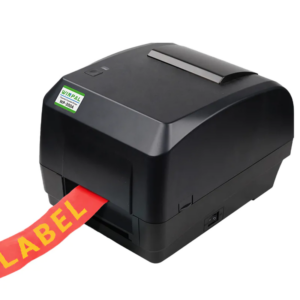
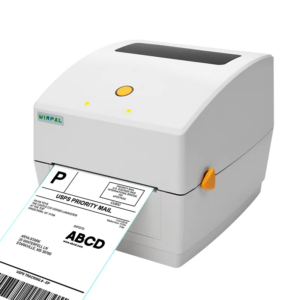
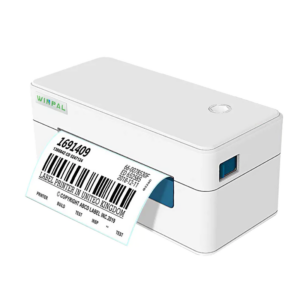
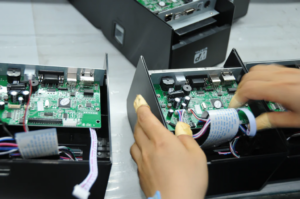
Maintaining your receipt maker machine is essential to ensure its long-lasting performance and efficiency, especially when you depend on it for daily transactions. Whether you’re a retailer or a restaurateur, having a clean and well-functioning receipt maker machine is critical. At Winpal, we know how important it is to keep your printer in top condition, so here are some straightforward tips on how to clean your thermal receipt printer and maintain its reliability.
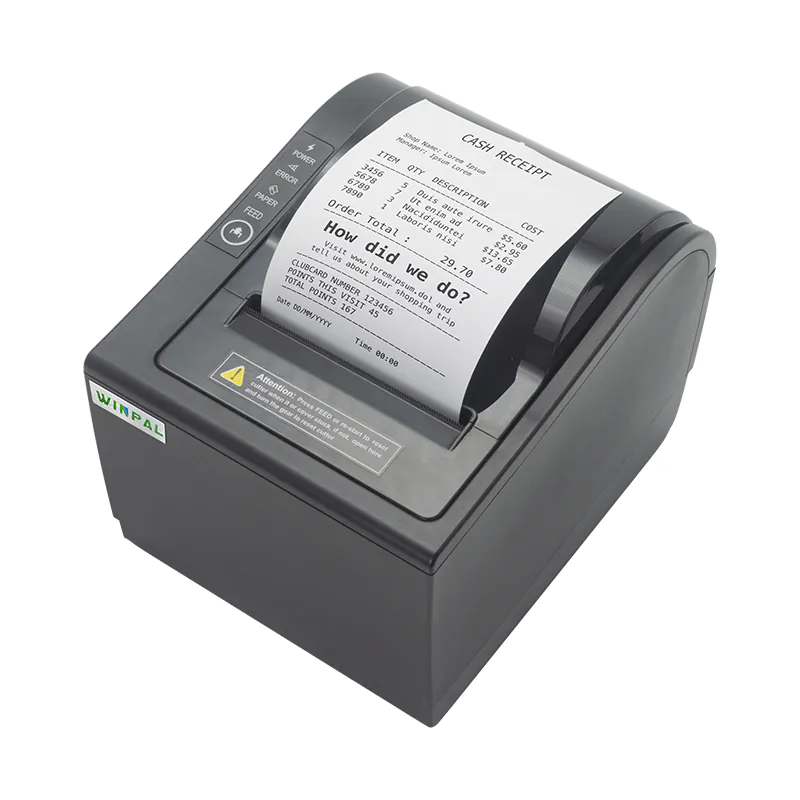
Why Regular Cleaning Is Important for Thermal Printers
Over time, dust, paper residue, and ink can accumulate inside your thermal receipt printer, leading to performance issues such as faded prints, paper jams, or slower printing speeds. Regular cleaning ensures that your receipt printer machine delivers consistent, clear prints. At Winpal, we recommend performing a cleaning routine every few weeks to prevent any buildup and ensure smooth operation.
Step-by-Step Guide to Cleaning Your Thermal Receipt Printer
Cleaning your thermal receipt printer is not a difficult task, but it does require some attention to detail. First, make sure the printer is powered off and unplugged. Then, carefully open the printer to access the printhead and other components. Using a soft, lint-free cloth, wipe away any dust or paper debris. You can also use a small brush or compressed air to remove dust from hard-to-reach areas. For stubborn buildup, gently clean the printhead with a thermal printer cleaning pen. It’s crucial not to touch the printhead directly with your fingers to avoid leaving oil or dirt.
Choosing the Right Cleaning Tools for Your Receipt Printer
Using the right cleaning tools can make a significant difference when maintaining your receipt printer machine. At Winpal, we recommend using specialized thermal printer cleaning kits, which often include cleaning pens, brushes, and lint-free wipes. These kits are designed specifically for cleaning thermal printers and ensure that you won’t damage sensitive components. Avoid using harsh chemicals or solvents, as these can cause long-term damage to your printer.
Preventative Measures to Extend the Life of Your Printer
In addition to regular cleaning, there are a few preventative measures you can take to extend the life of your thermal receipt printer. For instance, make sure to always use high-quality paper that is compatible with your printer. As a receipt printer manufacturer, Winpal recommends using premium thermal paper to reduce the likelihood of paper dust and residue buildup. Also, avoid overloading your printer with excessive amounts of paper, as this can cause jams and wear down the internal components.
Conclusion
Regular maintenance and cleaning of your receipt maker machine are vital to keeping it running smoothly. By following these easy steps and using the right tools, you can ensure that your thermal receipt printer manufacturer, like Winpal, stays in excellent condition and continues to meet your business needs. Winpal is committed to providing high-quality receipt printer machines, and we hope these tips help you keep your printer working efficiently for years to come.