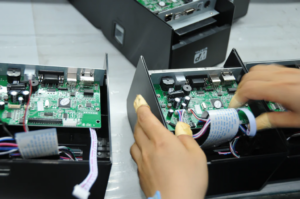
Mobile printing has become an essential part of modern business operations, especially in delivery services, temporary sales points, and field-based work environments. Compact devices allow teams to issue receipts, labels, and confirmations without being tied to a fixed workstation. In these scenarios, choosing a reliable mobile thermal printer can simplify workflows and reduce manual paperwork. Many users also prefer a mini thermal printer for its portability and ease of integration with mobile systems.
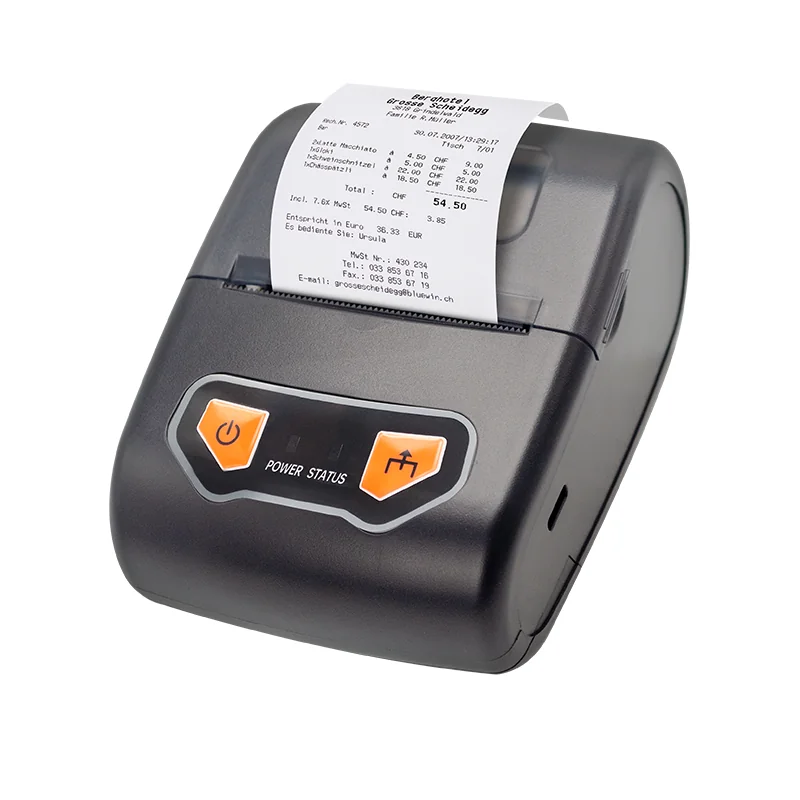
Preparing a Mobile Thermal Printer for First-Time Use
Before connecting a printer to a system, proper preparation helps avoid configuration issues later. A mobile thermal printer should be checked for paper loading, battery status, and supported media types. Compact printers are typically designed for fast deployment, making them suitable for mobile retail and on-site services.
Devices like the WP-Q2E use 58mm thermal paper and are built to support both text and barcode printing. This makes them flexible enough for receipts, order confirmations, and simple tickets. From our experience, preparing a mini thermal printer correctly at the start helps ensure stable performance during daily use, especially in environments where quick setup is required.
Connecting and Configuring Mini Thermal Printers
Connection and configuration are key steps in unlocking full printer functionality. A modern mini thermal printer often supports multiple barcode formats to meet different application needs. The WP-Q2E supports various 1D barcodes as well as QR code 2D barcode printing, which is especially useful for digital payments and order tracking.
Configuration options such as NV logo download allow businesses to print brand images directly on receipts. Multiple language support also makes the printer adaptable for international or multilingual environments. From our perspective at Winpal, simplifying these configuration steps helps users get more value from a mobile thermal printer without requiring technical expertise.
Daily Operation Tips for Stable Mobile Printing
Consistent output quality depends on correct usage habits. Keeping barcode data clear and avoiding excessive paper exposure to heat helps maintain print clarity. Compact printers are designed for mobility, but stable handling during printing still matters for accurate results.
In real-world scenarios such as courier delivery or pop-up retail, a mobile thermal printer supports faster service by allowing immediate receipt generation. A well-configured mini thermal printer reduces waiting time and improves interaction with customers. These operational details reflect how thoughtful design supports efficiency beyond basic specifications.
Conclusion
Properly connecting and configuring a compact printer makes a noticeable difference in daily operations. A well-prepared mini thermal printer supports reliable printing wherever work happens, while a dependable mobile thermal printer helps teams stay flexible and responsive. From our team’s standpoint at Winpal, focusing on usability, configuration simplicity, and practical features allows portable printing solutions like the WP-Q2E to fit naturally into mobile business workflows.